How to Design Your Own Business Cards in NZ
When you hand over a business card in New Zealand, you are making a first impression before you even say a word.
For small business owners, contractors, and local tradies, a high-quality card acts as a silent salesperson that stays in a client’s wallet long after you leave the job site or boardroom.
Historically, getting professional business cards meant hiring an expensive graphic design agency or wrestling with overly complex software.
The good news?
You do not need a design degree to create a stunning, professional card. With the right local tools, you can design and print your own custom business cards right from your laptop.
This step-by-step guide walks you through how to design business cards in New Zealand that look premium, print perfectly, and win you more local business.
1. Standard Business Card Dimensions in NZ
Before you start placing logos and text, set up your canvas correctly.
The absolute last thing you want is to spend hours designing a card, only to find the edges get cut off at the print shop.
In New Zealand and Australia, the standard dimensions are highly specific:
- Standard Finished Size: 90mm x 55mm (the final size of the card in your hand).
- The "Bleed" Size: 96mm x 61mm (An extra 3mm added to every edge).
- The Safe Zone: Keep all important text and logos at least 3mm inside the final 90 x 55 mm border.
Why does "Bleed" matter?
Printing machines shift slightly when cutting large sheets of paper into individual cards. If your design has a colored background that goes right to the edge, adding a 3mm bleed ensures you won't end up with an awkward white border if the blade misaligns by a fraction of a millimeter.
2. Essential Information to Include
A cluttered business card looks cheap and is hard to read.
Space is at a premium on a 90x55mm canvas, so stick strictly to the essentials that help local customers take action:
- Your Logo & Business Name: This should be the clear visual anchor of the card.
- Your Name & Title: Let people know exactly who they are dealing with.
- Direct Contact Info: A single New Zealand mobile or landline number, and a professional email address.
- Your Location: For local Kiwi businesses, mentioning your region (e.g., "Proudly serving the Bay of Plenty" or "Based in Christchurch") builds instant local trust.
- A Clear Digital Next Step: Avoid long website URLs. Instead, use a clean domain or a custom QR code that links directly to your website, portfolio, or booking page.

3. Step-by-Step Guide to Designing Your Card
Step 1: Lock In Your Brand Assets
Gather your high-resolution logo (preferably a transparent PNG or vector file), your brand fonts, and your specific brand colour codes (HEX, CMYK and PMS codes).
Having these ready ensures your business card matches your physical signage, uniforms, and website.
Step 2: Choose a Clean Layout
Place your logo prominently on one side.
If you choose a double-sided card, a great industry trick is to put your large logo entirely on the front and all your readable contact information clearly on the back. This leaves plenty of clean, white space.
Step 3: Prioritise Typography and Contrast
Ensure your fonts are highly readable.
- Never make your contact details smaller than 7pt or 8pt font; otherwise, customers will struggle to read them without straining.
- Ensure dark text sits on a light background, or white text sits on a dark background. High contrast is vital for legibility.

4. How to Streamline This with Dzyn Space
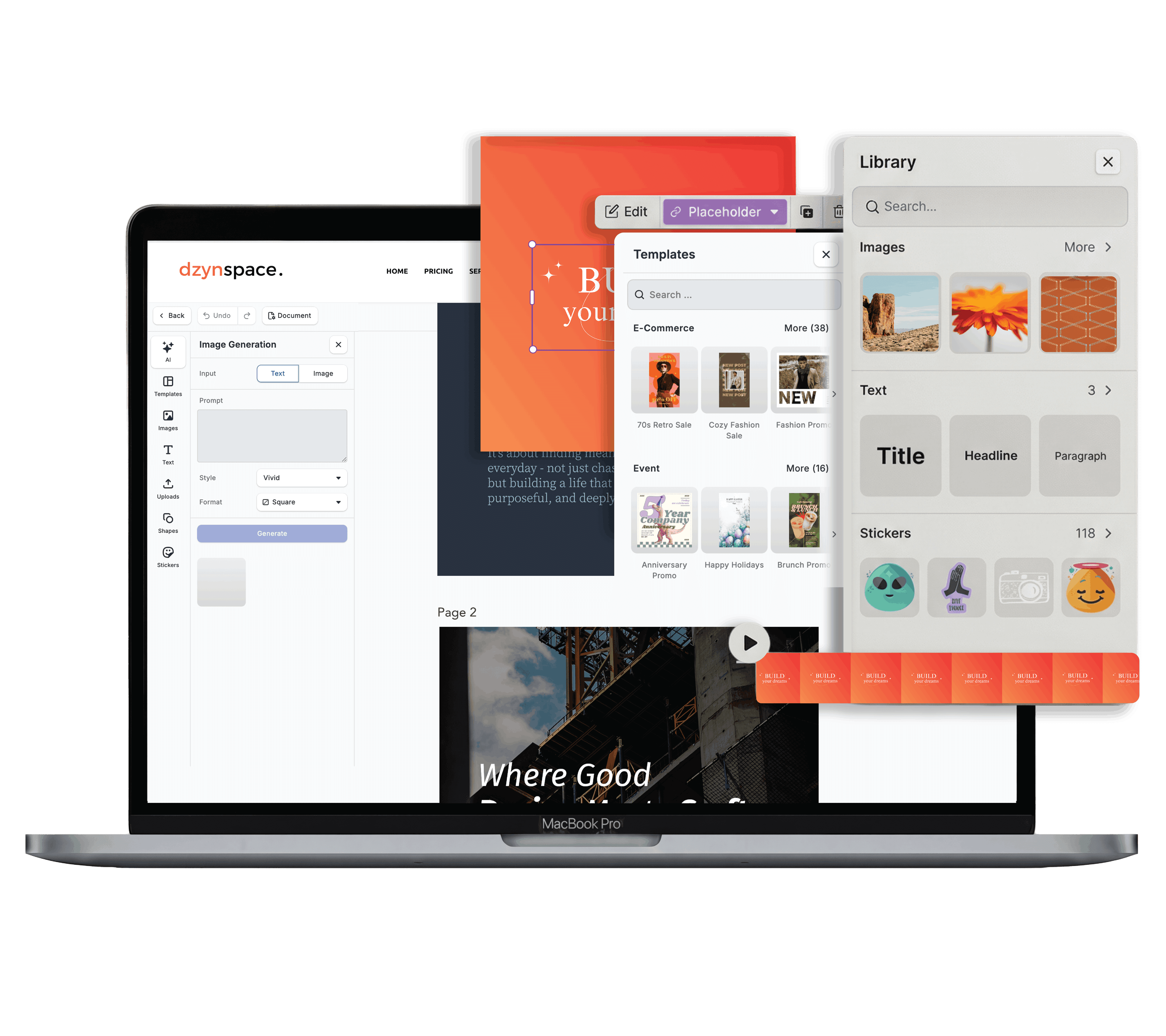
If you want to skip the technical setup altogether, Dzyn Space makes the entire process seamless for Kiwi business owners.
Instead of starting from a blank page or trying to figure out millimetre bleed margins, you can open the Dzyn Space Design Editor. The platform features a curated library of business card templates built specifically to standard New Zealand dimensions.

The Local Printing Advantage
The biggest headache of DIY design is exporting a file, uploading it to a separate printer, and realising the formatting is broken.
Dzyn Space solves this with native **Print Monday** integration.
Once your design looks exactly how you want it, you can seamlessly connect your canvas directly to Print Monday.
Your cards are printed locally in New Zealand using premium, thick cardstock finishes (like matte or gloss lamination) and shipped straight to your Kiwi doorstep, no international shipping delays, and no agency price markups.

Frequently Asked Questions
What is the best card thickness for business cards in NZ?
For a professional feel, look for a paper weight between 350gsm or 400gsm (Grams per Square Metre). Anything under 300gsm will feel flimsy, like a cheap postcard, and will tear easily in a wallet.
Can I use a QR code on my business card?
Yes. QR codes are excellent for small business cards because they bridge the gap between physical marketing and your digital presence. Ensure the QR code is at least 20mm x 20mm in size so smartphone cameras can scan it effortlessly.
Should I choose a Matte or Gloss finish?
- Matte Lamination: Best for modern, minimalist, or luxury brands. It has a smooth, non-shiny texture and is easy to read under bright lights.
- Gloss Lamination: Best for vibrant, photo-heavy designs. It makes colors pop intensely, though it can pick up fingerprint smudges more easily.
Conclusion
Designing a professional business card doesn't require a massive marketing budget or complicated software.
By sticking to standard NZ dimensions, keeping your layout clean, and locking in your brand assets, you can create a card you are genuinely proud to hand out.
Ready to print your own cards without the hassle?
Skip the complicated setups and expensive overseas shipping.
**Create your free Dzyn Space account today**, pick a template, and get your premium cards printed directly through Print Monday in minutes.