The Best Image Sizes for Facebook, Instagram, and LinkedIn (Cheat Sheet)
Have you ever spent an hour crafting a stunning graphic, only to upload it and find essential text chopped off, or the image rendered blurry and pixelated?
When you run a small business, getting your visual marketing right isn't just about good graphic design—it's about technical precision.
Social platforms compress images aggressively, and each platform enforces its own preferred aspect ratios.
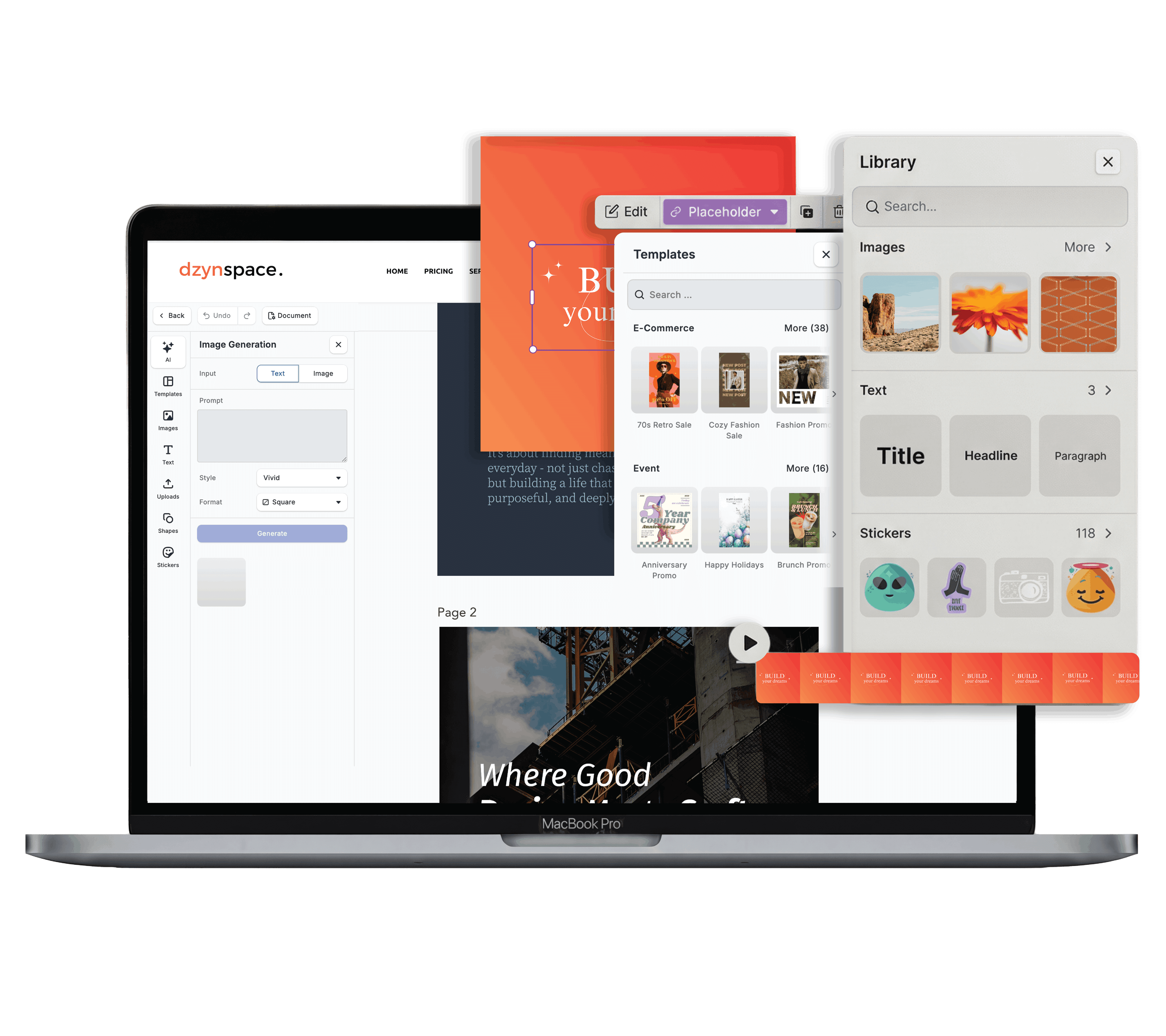
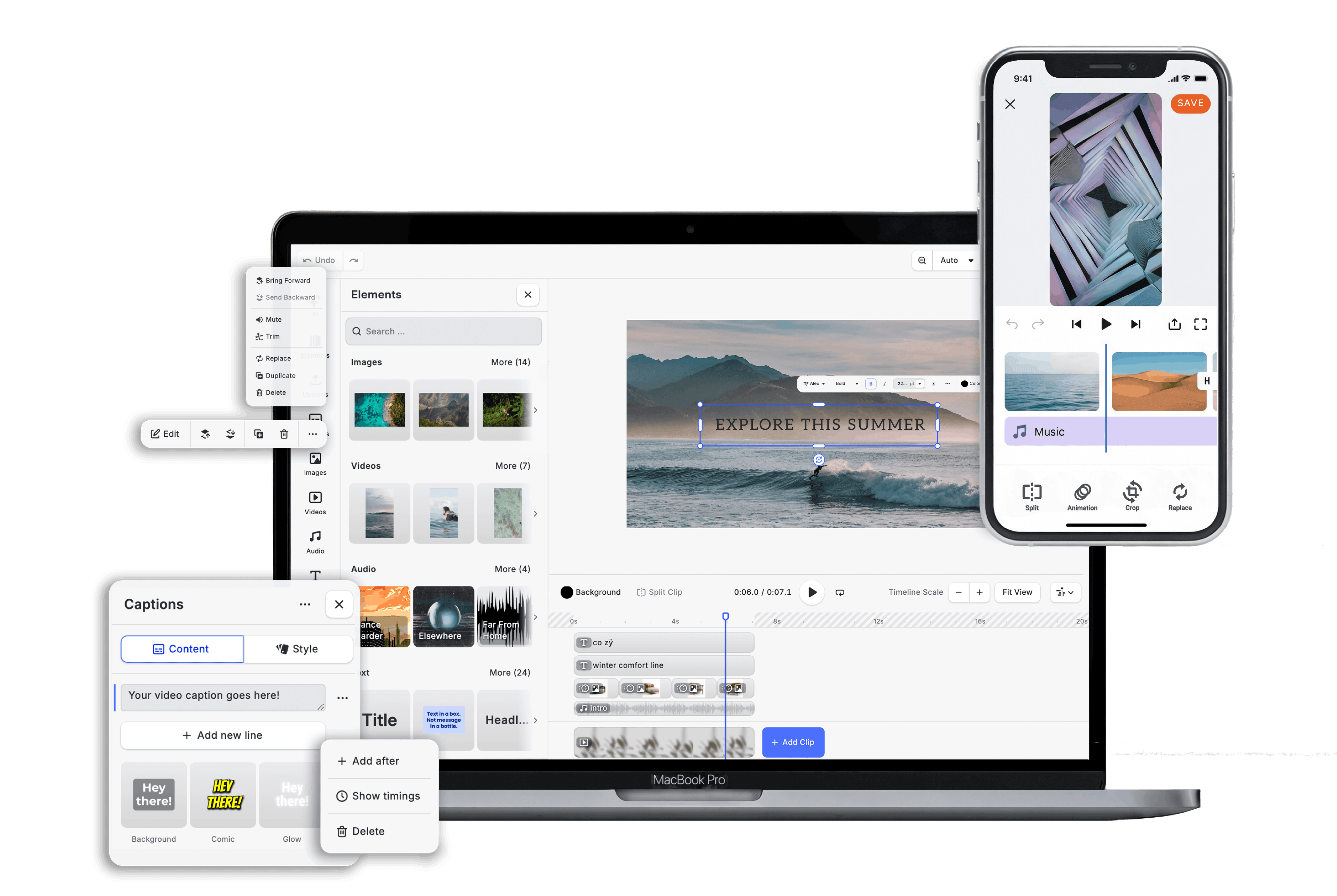
To help you skip the trial-and-error, here is your definitive cheat sheet for the best social media image sizes across Facebook, Instagram, and LinkedIn, plus practical tips on how to resize them instantly in Dzyn Space.
1. Instagram Image Sizes
Instagram is a mobile-first visual platform.
While standard square graphics still work, vertical formats take up more vertical screen real estate, increasing user engagement as people scroll through their feed.
| Format | Dimensions (Pixels) | Aspect Ratio | Best Used For |
|---|---|---|---|
| Portrait Post | 1080 x 1350 | 4:5 | Standard feed graphics & photos (Maximum screen coverage) |
| Square Post | 1080 x 1080 | 1:1 | Grid consistency, quick quotes, product close-ups |
| Landscape Post | 1080 x 566 | 1.91:1 | Panoramic photos (Use sparingly on mobile) |
| Stories & Reels | 1080 x 1920 | 9:16 | Vertical short-form videos & daily updates |
| Profile Picture | 320 x 320 | 1:1 | Business logo (Displays as a circle) |
Dzyn Space Pro-Tip: When designing Instagram Stories or Reels graphics (1080 x 1920), keep your main text and logo within the central "safe zone" (1080 x 1420). Avoid placing critical elements at the top 250 pixels or bottom 250 pixels, where Instagram overlay buttons and profile headers will hide them.
2. Facebook Image Sizes
Facebook displays content across desktop and mobile browsers, mobile apps, and side-bars.
Sticking to high-resolution standards prevents automatic pixelation.
| Format | Dimensions (Pixels) | Aspect Ratio | Best Used For |
|---|---|---|---|
| Feed Post (Shared Image) | 1200 x 630 or 1080 x 1350 | 1.91:1 or 4:5 | Standard announcements, promos, links |
| Square Post | 1080 x 1080 | 1:1 | Cross-posted Instagram graphics |
| Facebook Cover Photo | 820 x 312 | 16:9 (approx) | Business page banners |
| Event Cover Image | 1920 x 1005 | 16:9 | Workshop, webinar, or local event pages |
| Stories | 1080 x 1920 | 9:16 | Mobile-first promotions |
3. LinkedIn Image Sizes
LinkedIn caters to professional networking, B2B marketing, and employer branding.
Graphics shared here should look polished across wide desktop monitors as well as mobile screens.
| Format | Dimensions (Pixels) | Aspect Ratio | Best Used For |
|---|---|---|---|
| Single Image Post | 1200 x 627 or 1080 x 1080 | 1.91:1 or 1:1 | Articles, updates, thought leadership |
| Company Page Cover Banner | 1128 x 191 | 5.91:1 | Corporate branding banner |
| Personal Profile Banner | 1584 x 396 | 4:1 | Individual professional header |
| Carousel / PDF Documents | 1080 x 1080 or 1080 x 1350 | 1:1 or 4:5 | Multi-page slides (PDF upload format) |
3 DIY Rules to Avoid Blurry Graphics
- Design at 2x Resolution: Platforms compress your uploads to save bandwidth. Creating a graphic at 1080 x 1080 is good, but designing at double resolution (2160 x 2160) ensures your text remains crisp after platform compression.
- Export as PNG for Text & Logos: Save photographic posts as JPGs, but always export graphics with typography, brand colours, or vector illustrations as PNG. JPG compression creates fuzzy edges ("artifacts") around text.
- Master the Vertical Shift: If you want one graphic size that performs reasonably well across Facebook, Instagram, and LinkedIn without re-formatting, use the 1080 x 1080 Square or 1080 x 1350 Portrait.
How Dzyn Space Simplifies Social Sizes for Small Businesses
Instead of keeping track of pixel dimensions or starting from scratch every time:
- Pre-Set Canvas Templates: Dzyn Space features pre-configured canvas dimensions for Facebook, Instagram, and LinkedIn. Click your target channel, and your canvas opens at the correct pixel ratio.
- One-Click Magic Resizing: Created a portrait Instagram post (1080 x 1350) and need it as a LinkedIn link image (1200 x 627)? Dzyn Space allows you to duplicate and resize your existing design instantly, scaling elements to fit the new format without manual re-creation.
- High-Quality PNG Export: Download ready-to-post graphics optimized for web rendering with a single click.
Learn More:
- The Complete Guide to DIY Graphic Design for Small Businesses.
- Dzyn Space Facebook Page